
Amazon is a search engine disguised as a store.
When a shopper types into the Amazon search bar, they are not browsing. They are looking for something specific. If your product listing matches their search intent, you get the sale. If it does not, your competition does.
Amazon keyword research is the process of finding the exact phrases shoppers use so you can optimize your listings for those queries. Free Amazon keyword tools make this accessible to sellers who do not have a budget for enterprise-level software.
Here is a practical guide to the best free Amazon keyword research tools, how to use them, and a workflow that works for new and established sellers.
Why Amazon Keyword Research is Different
Amazon keyword research is not the same as Google keyword research.
On Google, people search for information, answers, and recommendations. On Amazon, people search for products. The intent is commercial, and the vocabulary is different.
Amazon searchers use:
- Product-specific terms ("wireless bluetooth earbuds noise cancelling")
- Problem-based queries ("laptop backpack with usb charging port")
- Comparison phrases ("dish soap vs dishwasher detergent")
- Attribute-driven searches ("non stick frying pan oven safe")
The keywords that convert on Amazon are the ones that match how shoppers describe what they need at the moment of purchase.
The Best Free Amazon Keyword Research Tools
1. ShuttleSEO — Amazon Autocomplete with Context
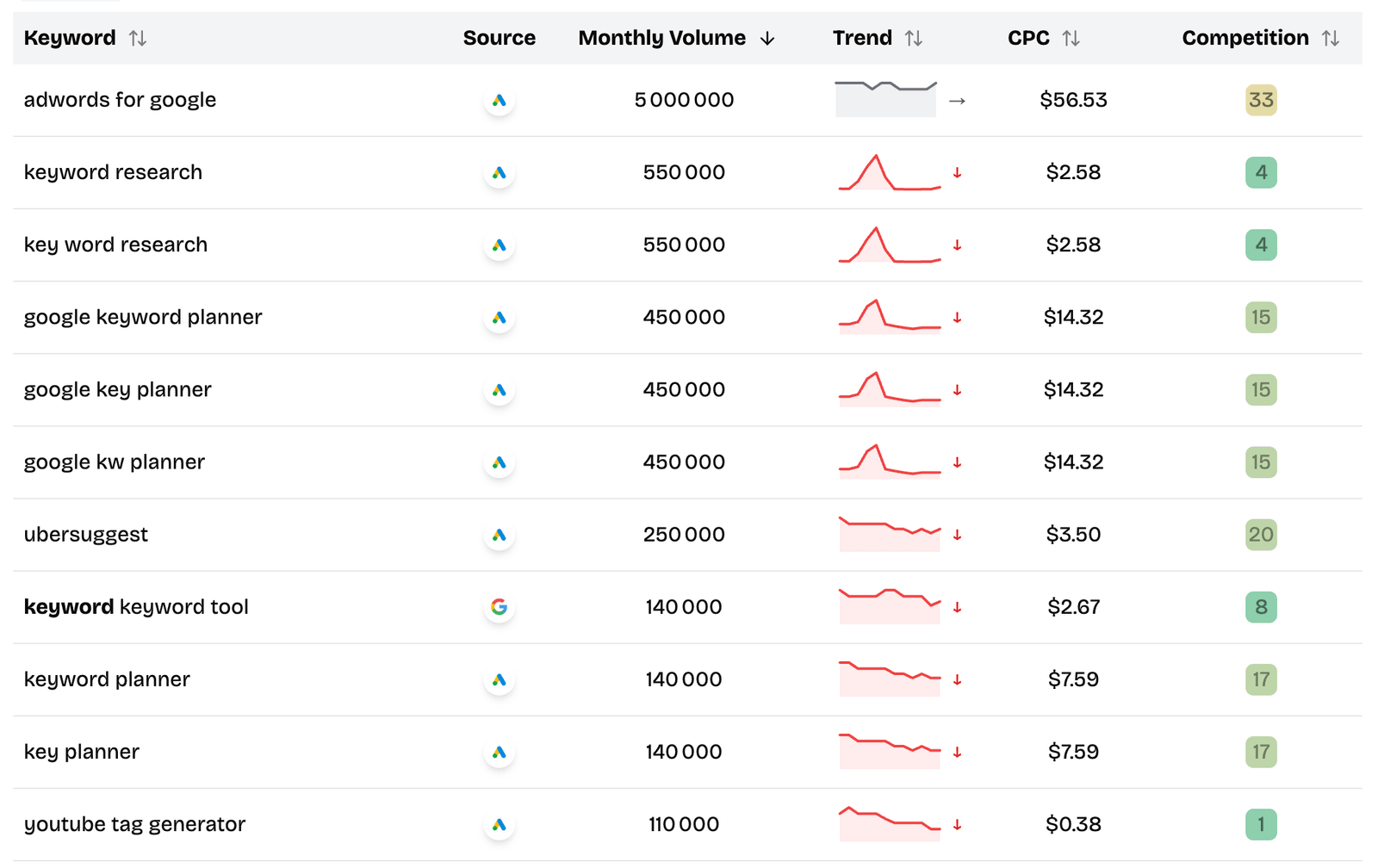
ShuttleSEO expands a seed keyword across Amazon autocomplete suggestions, giving you the exact phrases Amazon shoppers type into the search bar.
The Amazon source is particularly useful because it surfaces Amazon-specific language that does not always match Google search behavior.
How to use it:
- Enter a product-related seed keyword
- Select Amazon as the source
- Browse the autocomplete suggestions organized by relevance
- Use the search volume and competition data to prioritize
Best for: Amazon-specific keyword discovery, finding long-tail variations that shoppers actually use.
2. Amazon Autocomplete (Manual)
Amazon's own search bar is the most direct source of shopper language. As you type, Amazon suggests popular search refinements.
How to use it:
- Go to Amazon.com
- Type your main keyword
- Note the suggestions
- Try different categories if your product is category-specific
The manual approach is slow but gives you immediate insight into what Amazon considers the most relevant search refinements.
Best for: Quick checks and understanding Amazon's search categorization.
3. Amazon Search Results (For Competition Analysis)
Searching your target keyword on Amazon tells you everything about competition. Look at:
- How many results appear
- Whether the top results have reviews
- Whether the top listings are optimized or weak
- Whether branded products dominate or generic ones compete
This is the most underrated free Amazon keyword research method. If the top results are poorly optimized listings with few reviews, you have an opening.
Best for: Validating whether a keyword is realistically targetable.
4. Sonar (Free Amazon Keyword Tool)
Sonar is a free tool from Sellzone that provides Amazon keyword suggestions, search volume data, and related keywords. It was one of the first dedicated free Amazon keyword tools and remains useful for foundational research.
How to use it:
- Enter a product keyword
- Review the keyword suggestions
- Export your best candidates
Best for: Getting an initial keyword list for a new product.
5. Google Keyword Planner (Amazon Cross-Reference)
Google Keyword Planner can be useful for Amazon keyword research when used correctly. People often search Google for product research before buying on Amazon. Keywords that show up in Google Keyword Planner with commercial intent are likely to also be searched on Amazon.
How to use it:
- Enter your product keywords
- Filter for commercial intent
- Use the same keywords in your Amazon listings
Best for: Cross-referencing demand across Google and Amazon.
How to Find Amazon Keywords: Step by Step
Step 1: Start With Your Product
Think about how a shopper would describe your product. List every attribute, use case, material, size, color, and benefit.
For a stainless steel water bottle, that might include:
- "insulated water bottle"
- "stainless steel water bottle"
- "vacuum insulated water bottle"
- "32 oz water bottle"
- "water bottle no sweat"
- "leak proof water bottle"
- "bpa free water bottle"
Step 2: Expand With Autocomplete
Use ShuttleSEO or Amazon's search bar to expand each seed into specific Amazon search suggestions.
For "insulated water bottle," Amazon might suggest:
- insulated water bottle 32 oz
- insulated water bottle stainless steel
- insulated water bottle with straw
- insulated water bottle for gym
- insulated water bottle for kids
Step 3: Validate Search Demand
Not every autocomplete suggestion has enough search volume. Use ShuttleSEO's volume data or Sonar to check whether shoppers are actually searching for the keywords you found.
Prioritize keywords with clear purchase intent over informational phrases.
Step 4: Check Competition
Search each keyword on Amazon and look at the top results.
Good signs:
- Top listings have few reviews (under 100)
- Listings are poorly optimized (weak titles, no bullet points)
- Generic products dominate (no brand lock-in)
Bad signs:
- Top listings have thousands of reviews
- Amazon Basics or major brands dominate
- Listings are highly optimized with professional images
Step 5: Optimize Your Listing
Once you have your keywords, incorporate them into:
Title: Put the most important keywords first. Amazon truncates titles after a certain length.
Bullet points: Include keywords naturally in benefit-focused bullets.
Product description: Use secondary keywords and related terms.
Backend search terms: Fill these with relevant keywords that did not fit in the visible listing.
Amazon Keyword Strategy Tips
Target Long-Tail Keywords on Amazon
Just like Google SEO, long-tail keywords on Amazon are easier to rank for and convert better. "Water bottle" is impossibly competitive. "Insulated water bottle with straw for gym" is targetable.
Use Category-Specific Language
Amazon has specific category taxonomy. If your product is in "Sports & Outdoors" versus "Kitchen & Dining," the search behavior changes. Research keywords within your specific category context.
Look for High Volume, Low Competition
The sweet spot for Amazon keywords is high search volume with low competition. These keywords have demand but not enough optimized listings. They are rare but powerful when you find them.
Seasonal and Trending Keywords
Amazon keyword demand shifts with seasons. "Heated blanket" peaks in winter. "Pool float" peaks in summer. Use tools that show trends to time your listings and ads.
Common Amazon Keyword Mistakes
Mistake 1: Keyword Stuffing Your Title
Amazon penalizes listings with keyword-stuffed titles by suppressing them in search results. Write readable titles that include keywords naturally.
Mistake 2: Ignoring Backend Search Terms
The backend search term field is specifically for keywords that did not fit naturally in your visible listing. Many sellers leave it empty or duplicate terms already used in the title.
Mistake 3: Copying Competitor Keywords
Your competitors might be targeting the wrong keywords. Research independently rather than copying someone else's strategy.
Mistake 4: Focusing Only on High-Volume Keywords
A keyword with 10,000 searches a month but 20,000 competing listings is harder to rank for than a keyword with 500 searches and 50 competing listings.
How Amazon SEO and Google SEO Work Together
Amazon and Google SEO are not separate strategies. Many shoppers discover products on Amazon but research on Google first.
Optimizing for both means:
- Targeting keywords that appear in both Amazon autocomplete and Google search
- Creating content that answers pre-purchase questions
- Building product pages that serve both search engines
A tool like ShuttleSEO helps bridge this gap by showing keyword suggestions across both Google and Amazon in one view, making it easier to find overlap.
Final Take
Free Amazon keyword research tools are powerful enough to give you a real competitive advantage if you use them systematically.
Start with autocomplete to find the real shopper language. Validate with search volume to confirm demand. Check the competition before committing. Then optimize your listing around the keywords where you have a realistic path to ranking.
The sellers who win on Amazon are not the ones with the biggest keyword lists. They are the ones who understand what shoppers actually type and build their listings around those exact phrases.
Related Articles
- Best Free Search Volume Checkers - Validate search demand across platforms including Amazon.
- How to Scrape Google Autocomplete for Keyword Research - The same autocomplete method works for Amazon keyword discovery.
- Best Free Long Tail Keyword Finder Tools: The Ones I Would Actually Use - A broader look at keyword research tools across Google, YouTube, and Amazon.